An assistant that runs entirely on your phone. Nothing you ask leaves it.
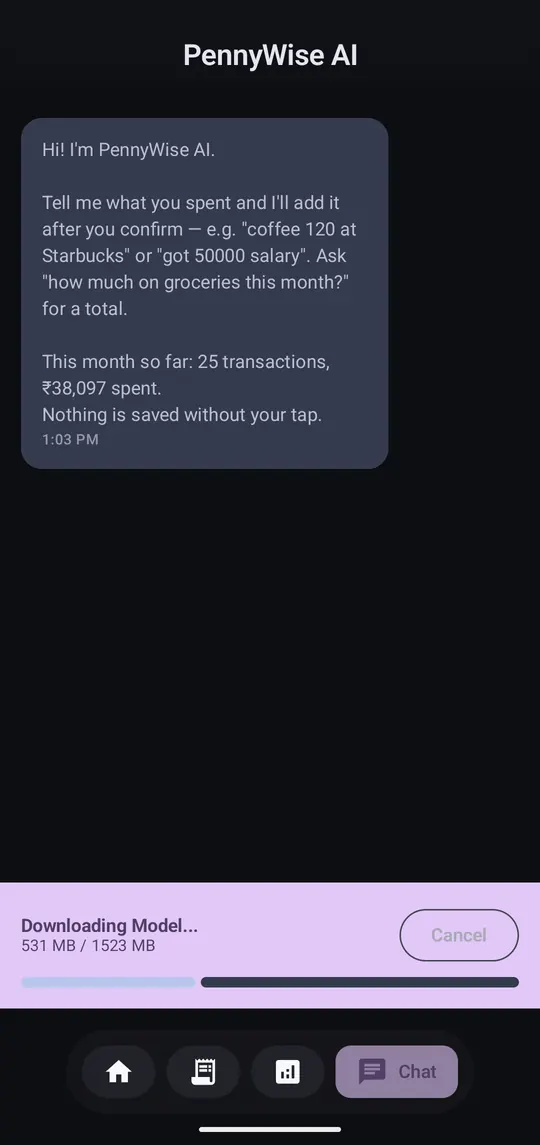
Step 1 of 3
The first time you open the Chat tab it downloads about 1.5 GB. You need about 3 GB free while it downloads. Use Wi-Fi; it only happens once.
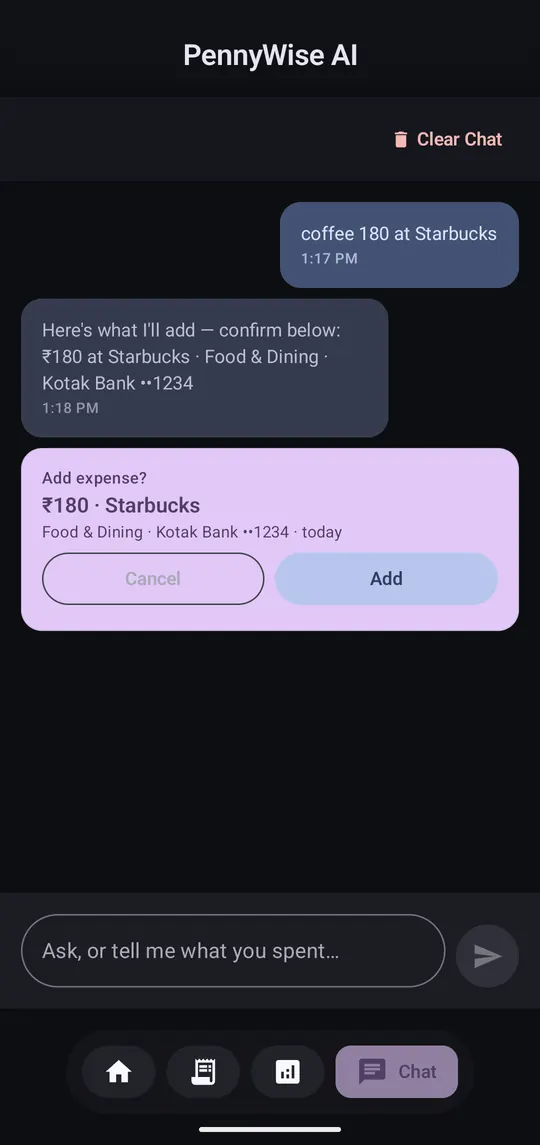
Step 2 of 3
Write “got 50000 salary” or “coffee 180”. A confirm card appears; nothing is saved until you tap Add.
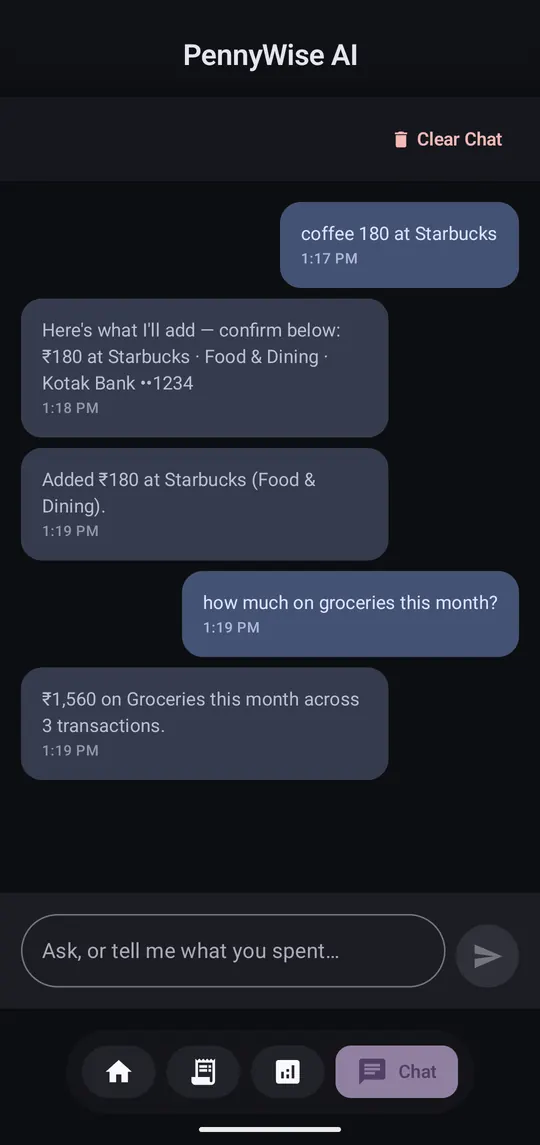
Step 3 of 3
“How much on groceries this month?” “What did I spend at Swiggy?”
It's a small model on a phone: quick totals and quick adds, not long financial advice. Older phones take a few seconds longer to reply.
