Set limits by category and see what's left, with a daily allowance.
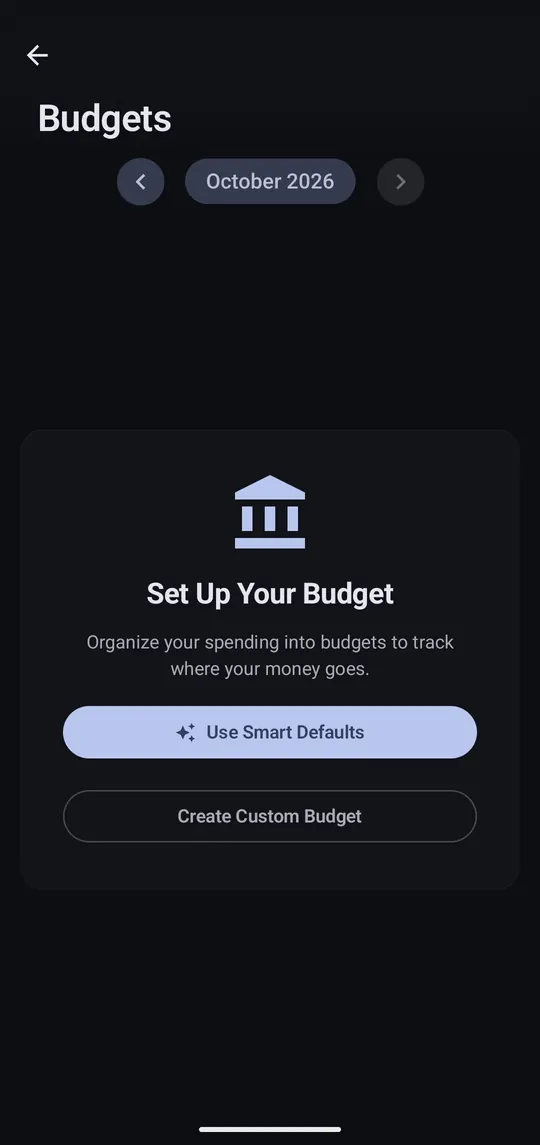
Step 1 of 3
From Home tap View All next to Budgets. Use Smart Defaults starts from your own spending.
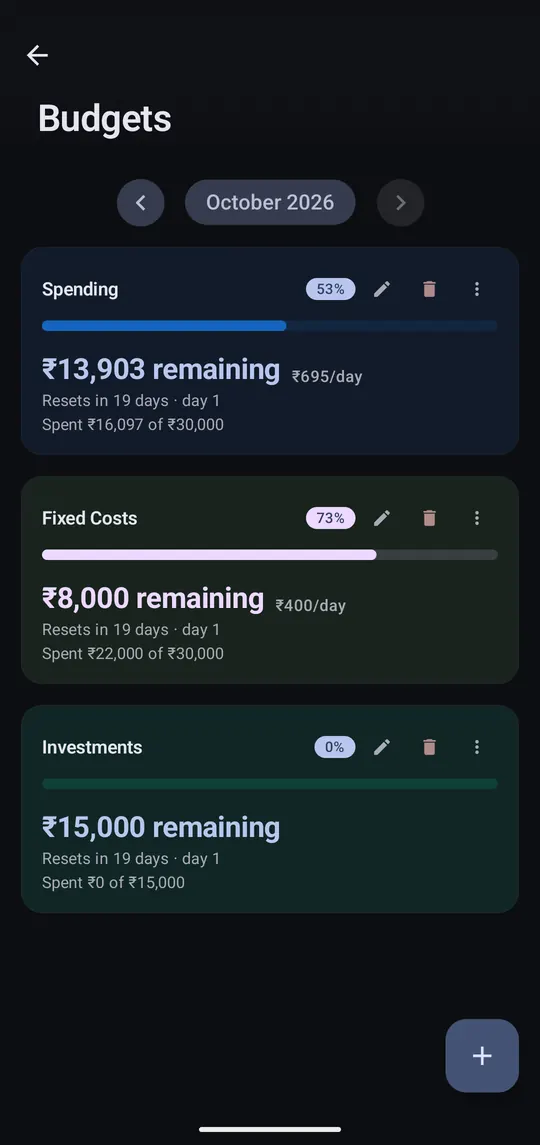
Step 2 of 3
Each budget shows what's left this month and how much you can spend per day.
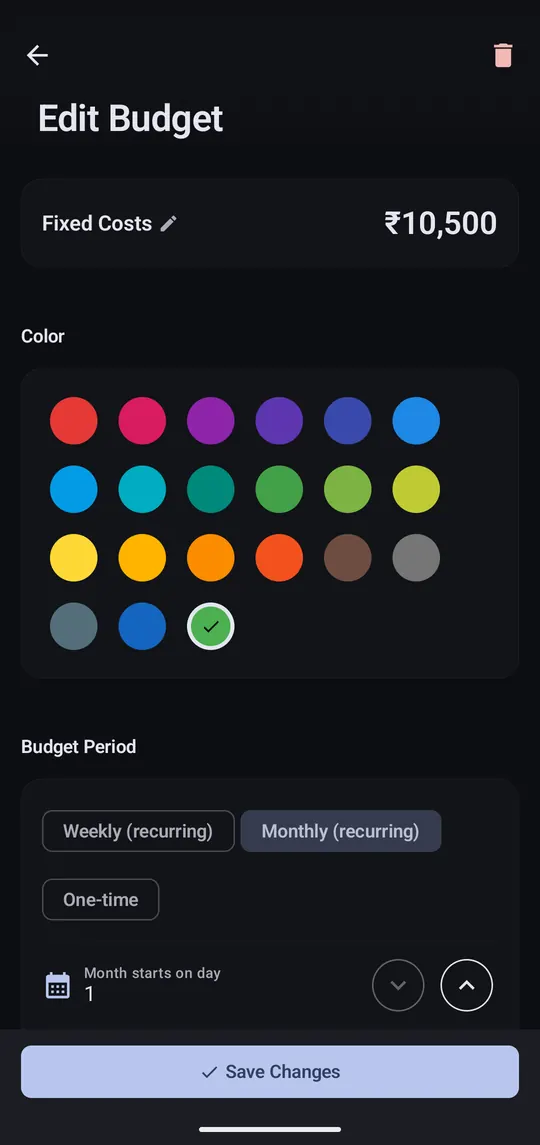
Step 3 of 3
The pencil changes the limit, colour, period, and the day your month starts.
Budgets can be weekly, monthly or one-time. ⋮ → View history shows past periods; finished ones are frozen, so recategorising later doesn't rewrite them.
Paid on the 25th? Set Settings → Budget Cycle Start Day so months run 25th to 24th.
