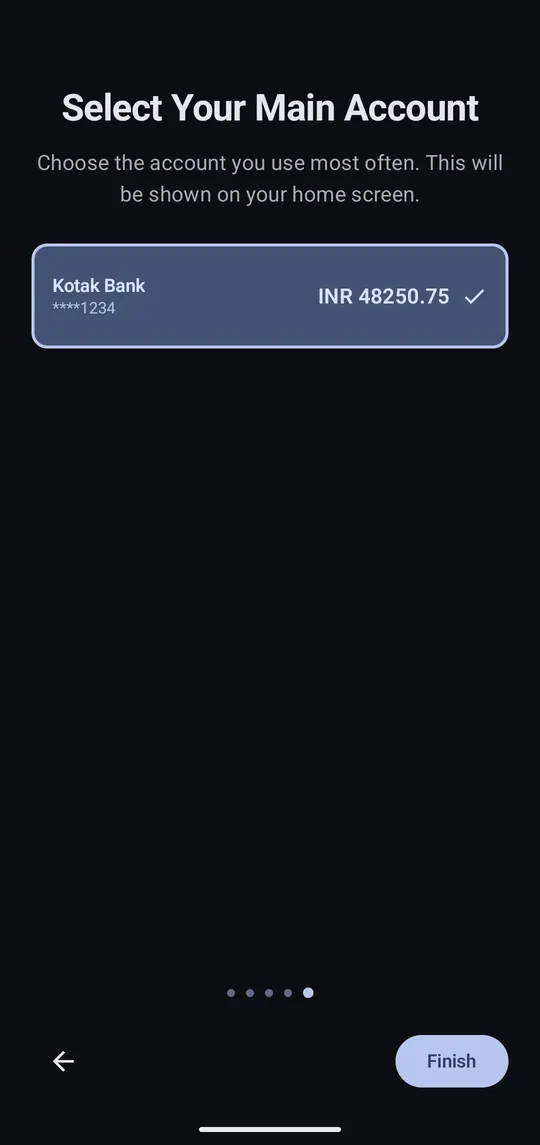
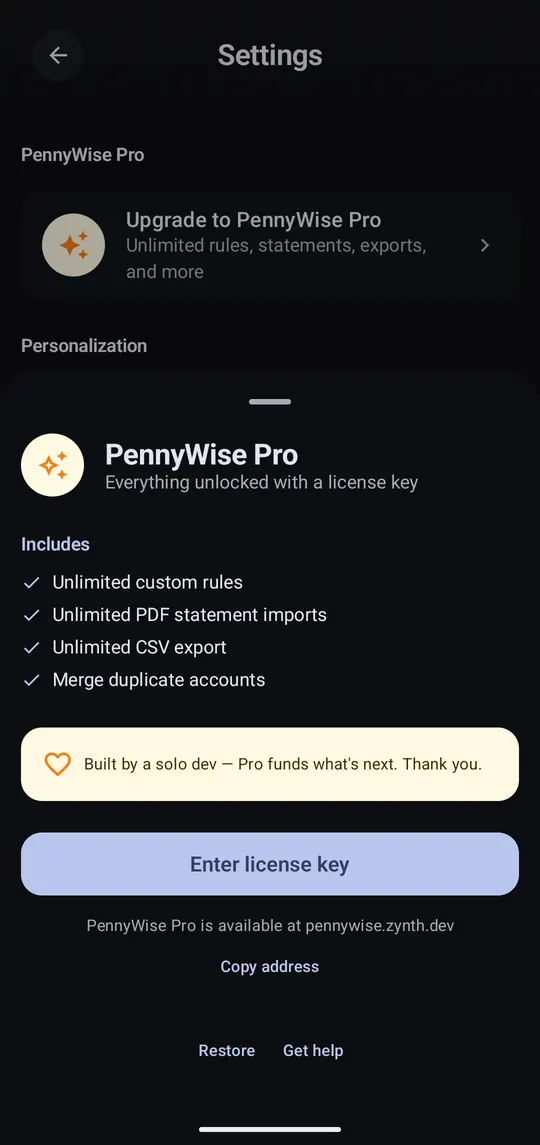
Step-by-step guides for every part of PennyWise, with screenshots.
Popular:Set up PennyWiseAdd a transaction yourselfSet a monthly budgetBack up and move to a new phoneFix wrong categories for good
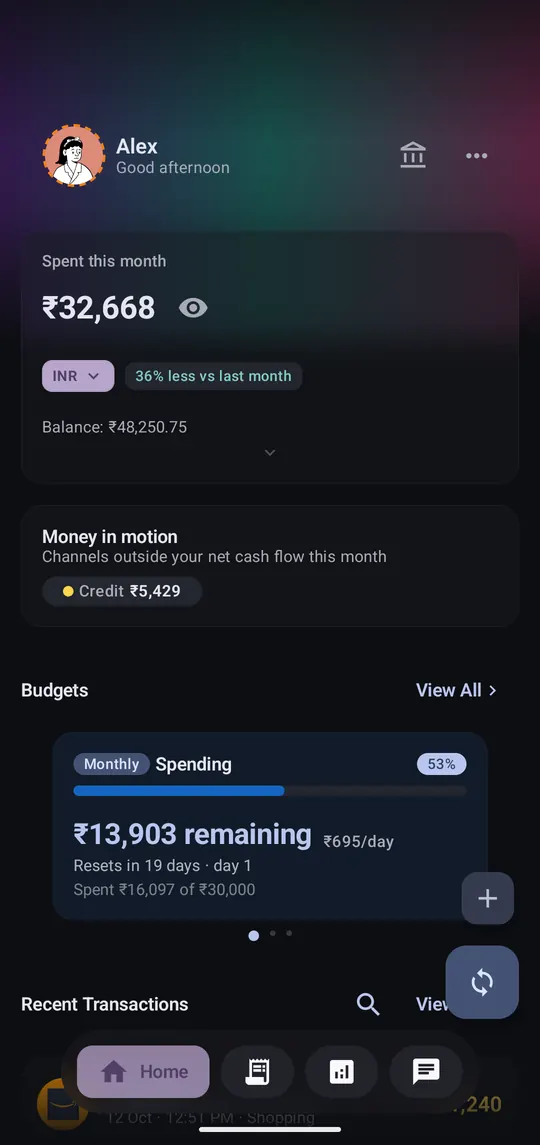
For cash, or a bank PennyWise can't read yet.
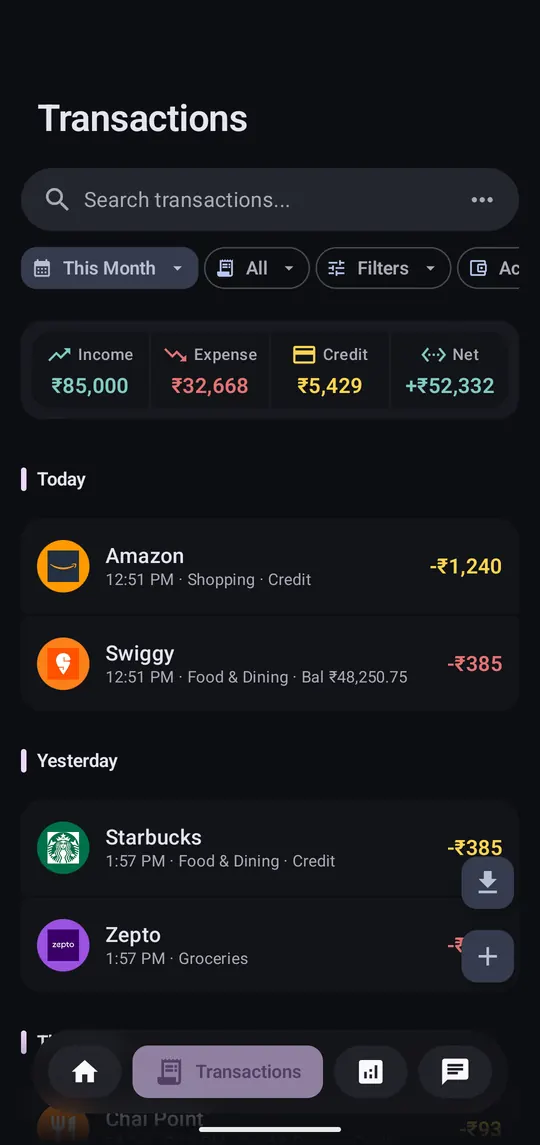
Search and filter, fix one, or change many at once.
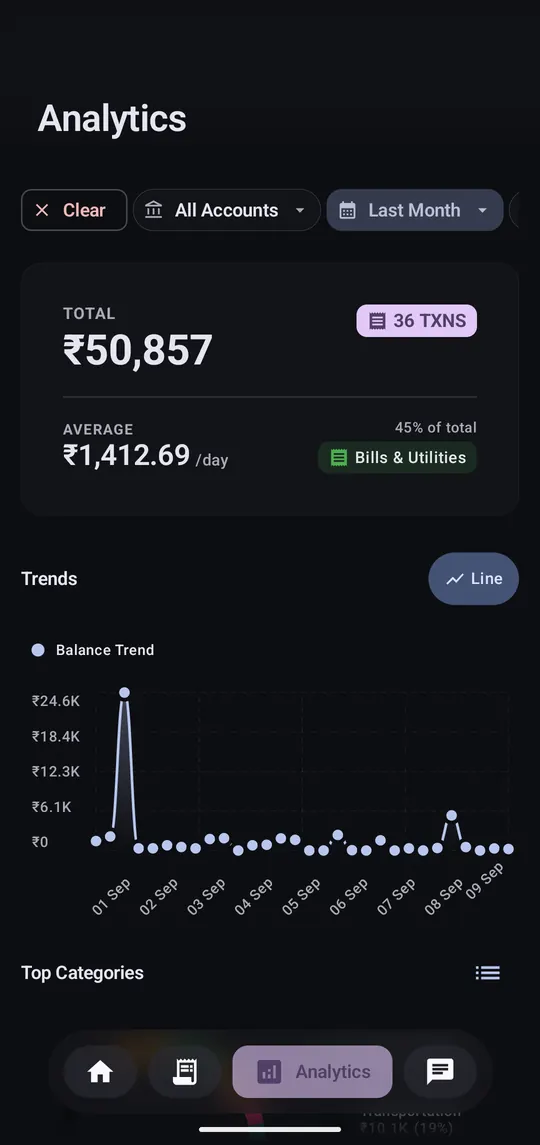
Totals, trends, top categories and merchants for any period.

An assistant that runs entirely on your phone. Nothing you ask leaves it.
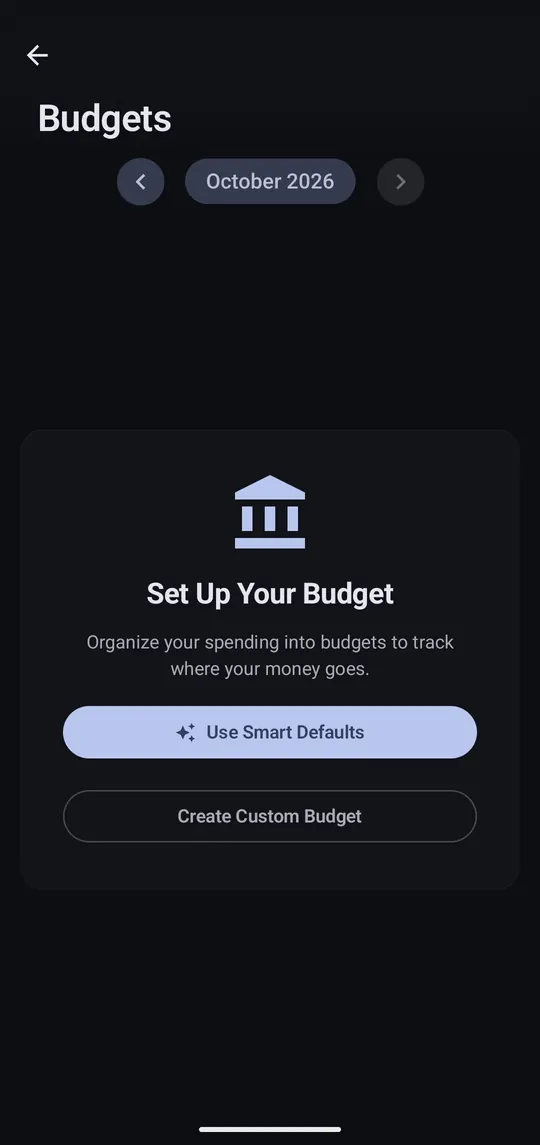
Set limits by category and see what's left, with a daily allowance.
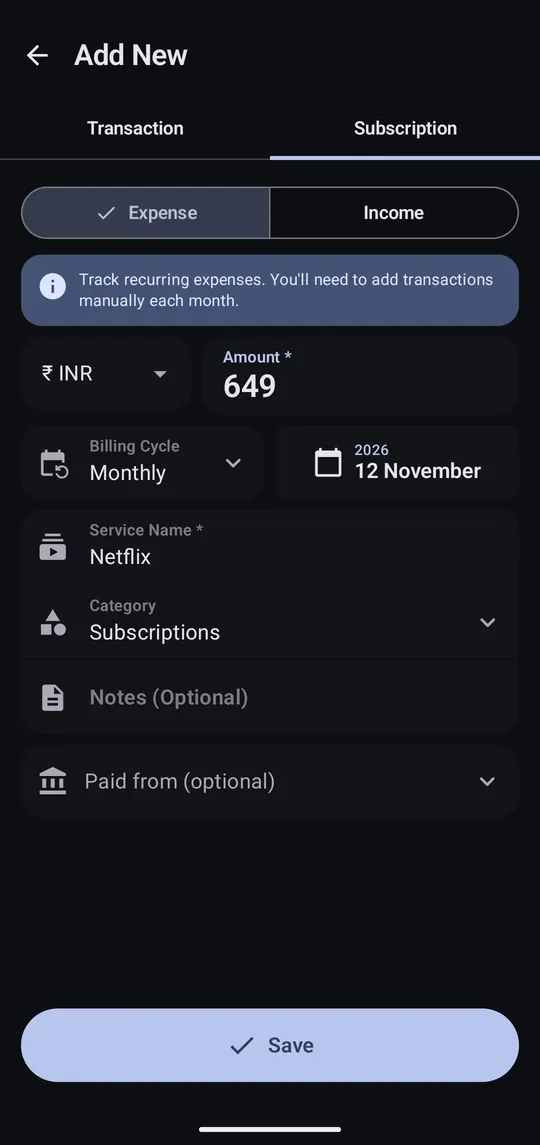
Netflix, Spotify, rent: see what's due next and the monthly total.

For money you pay on a schedule that no SMS will report.
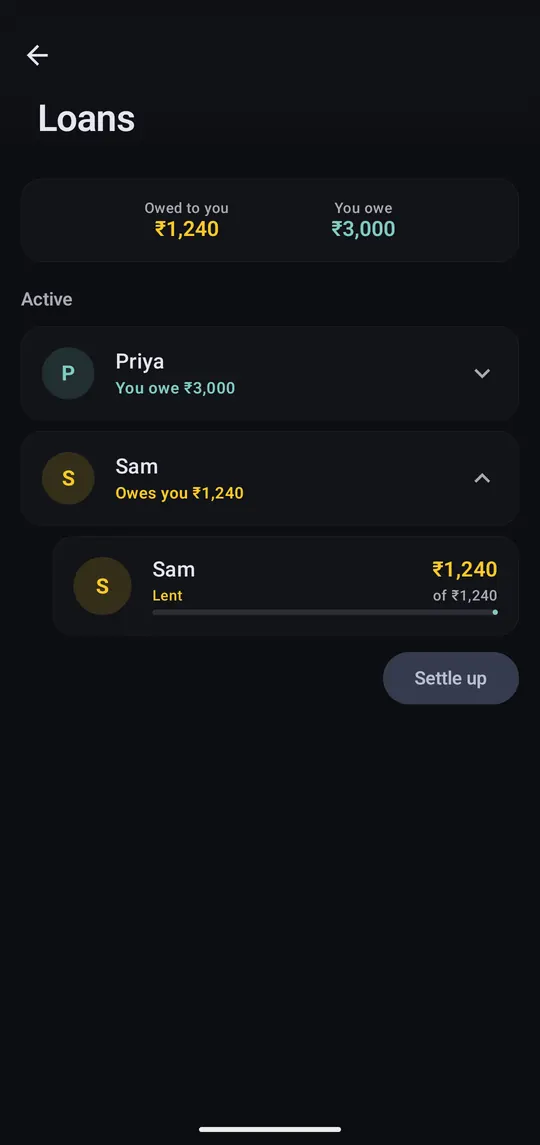
Track money you lend to friends and money you borrow, including partial repayments.
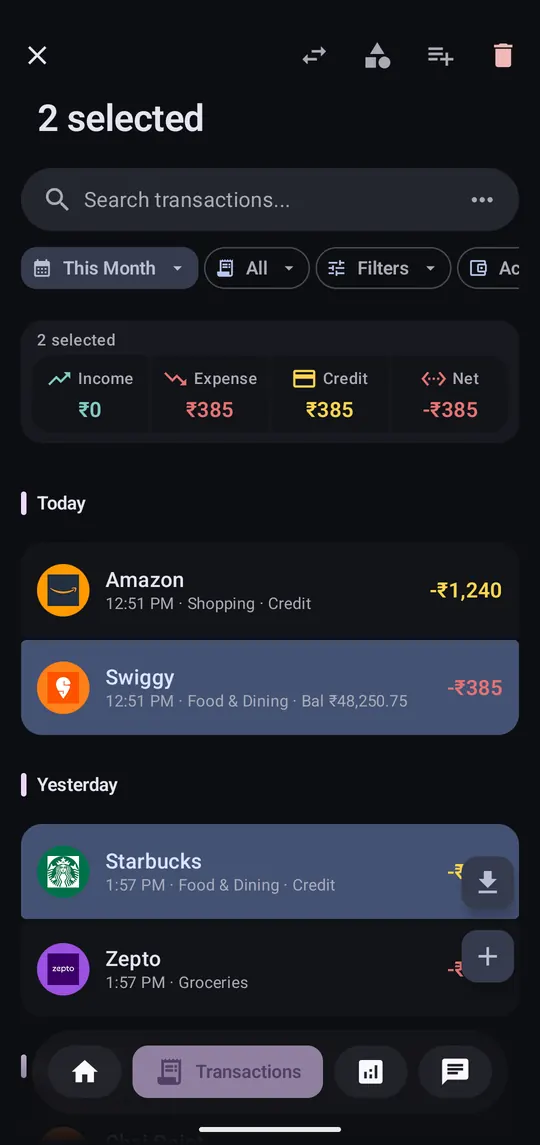
Collect a holiday or a wedding under one name to see what it cost.
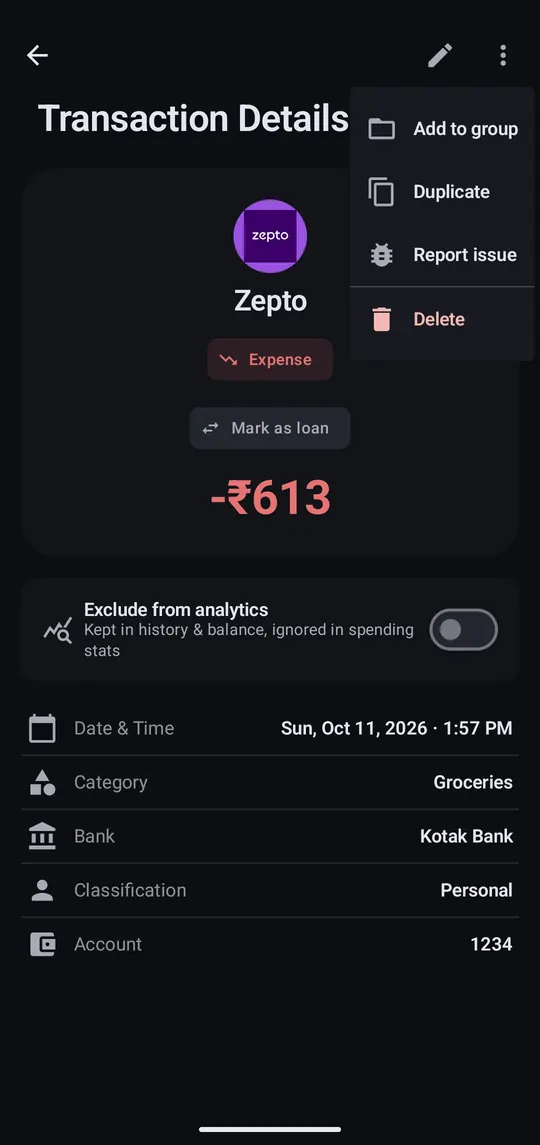
Correct one, then add a rule so it never happens again.
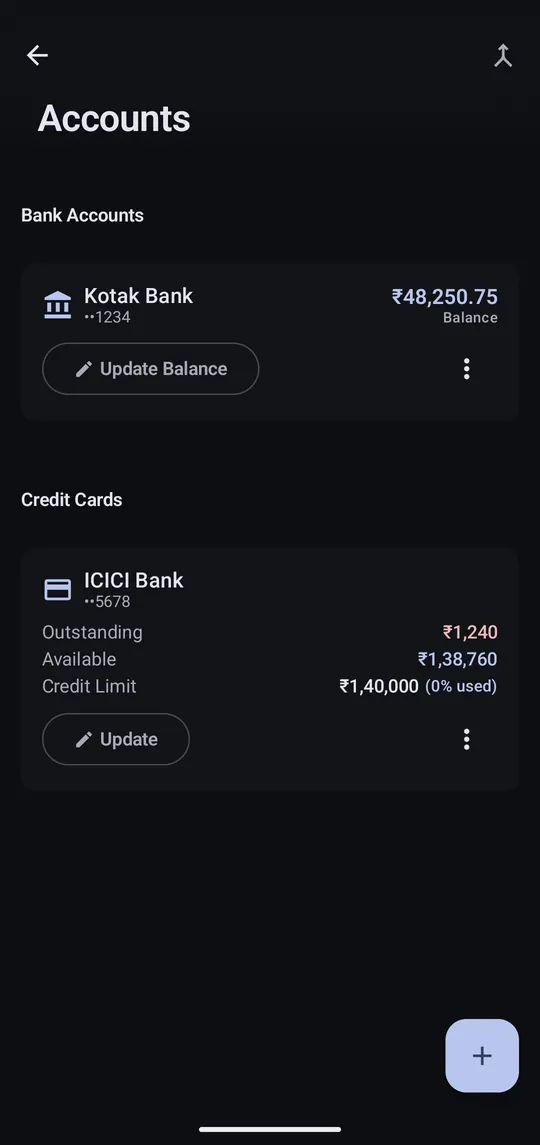
Fix a balance that's off, or add cash and wallets.
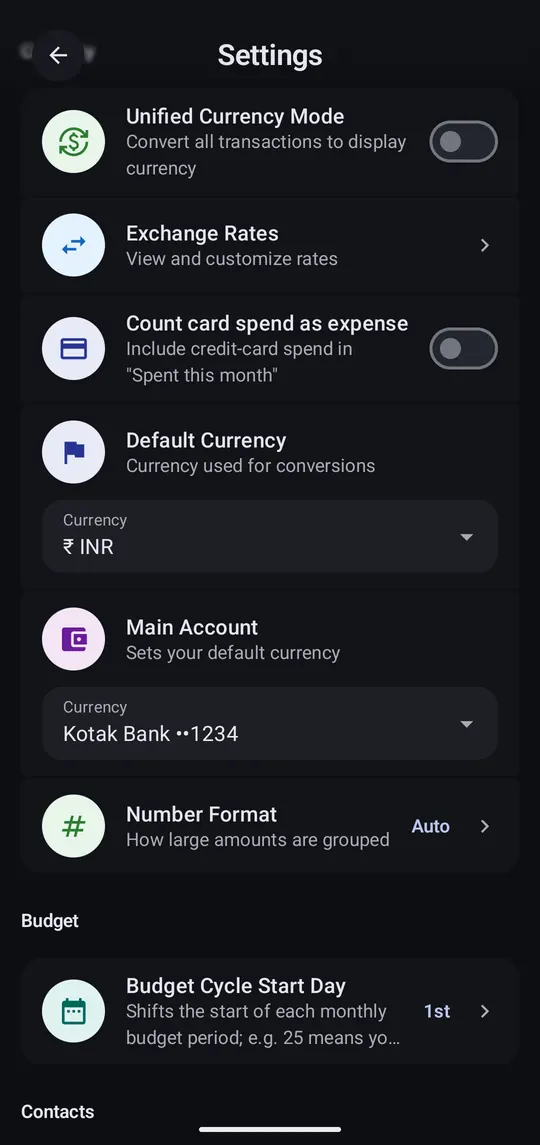
Every amount keeps its currency. Rupees and dollars are never added together.
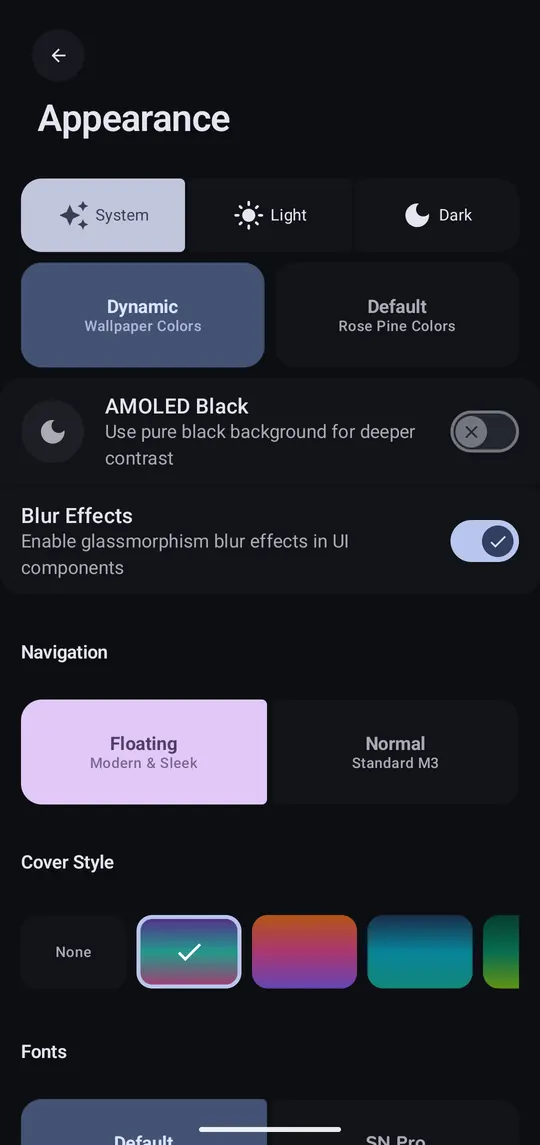
Theme, app lock, widgets and the rest of Settings.
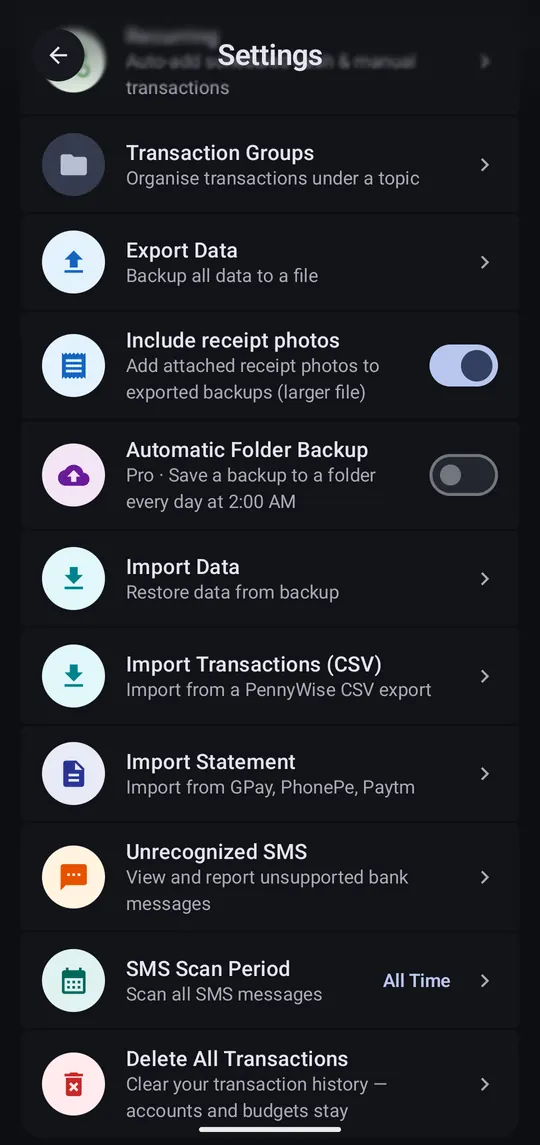
There's no cloud, so a backup file is your only copy outside the phone.
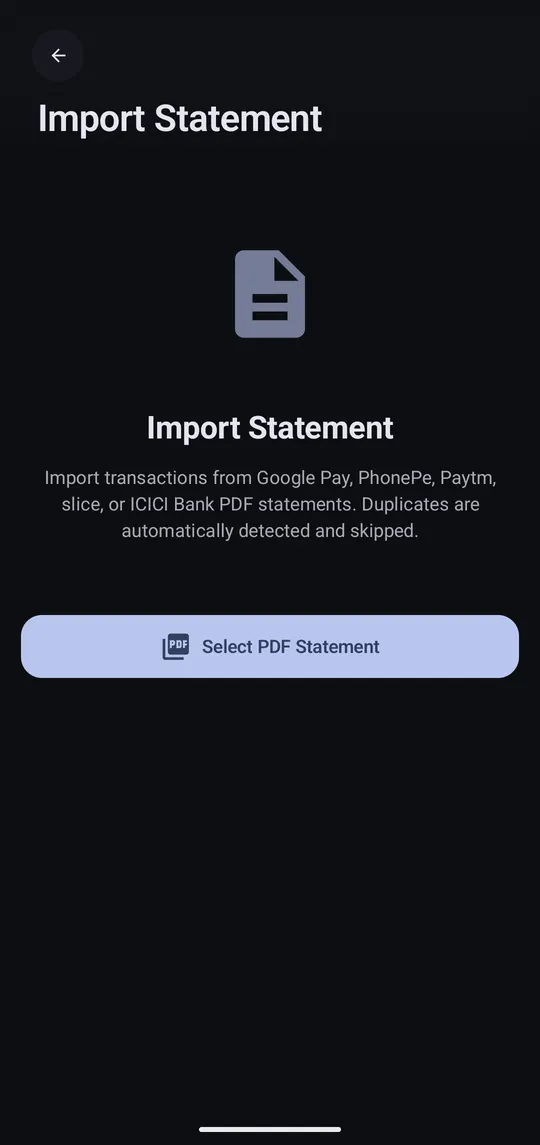
Bring in history from Google Pay, PhonePe, Paytm, slice or ICICI Bank.
Get your transactions into Sheets or Excel as a CSV.
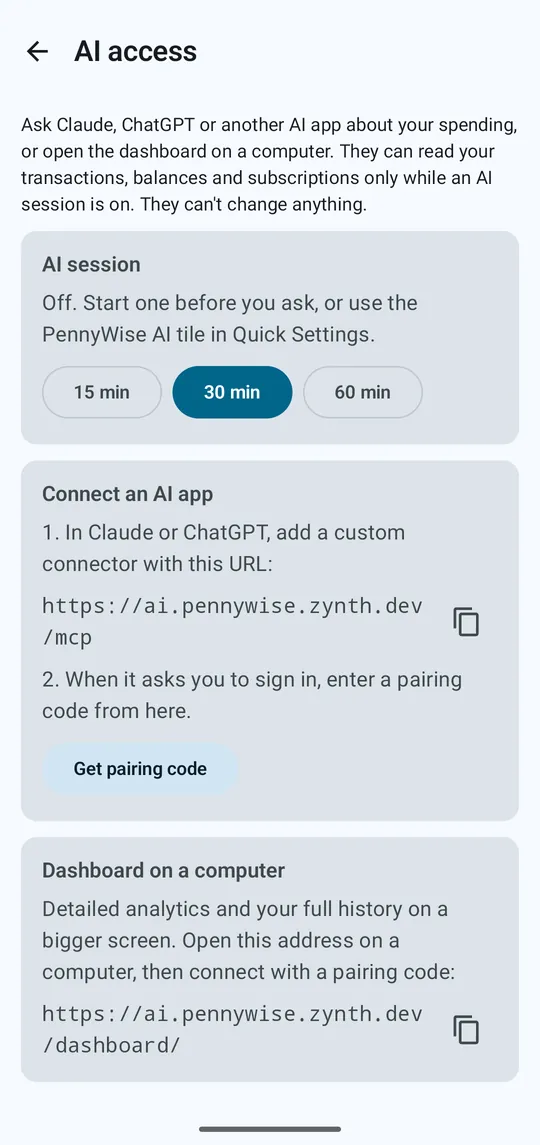
Ask Claude or ChatGPT about your spending, or see it on a computer. Your data is stored only on your phone; each answer is sent to the app that asked.
The questions people ask most, with fixes.