Correct one, then add a rule so it never happens again.
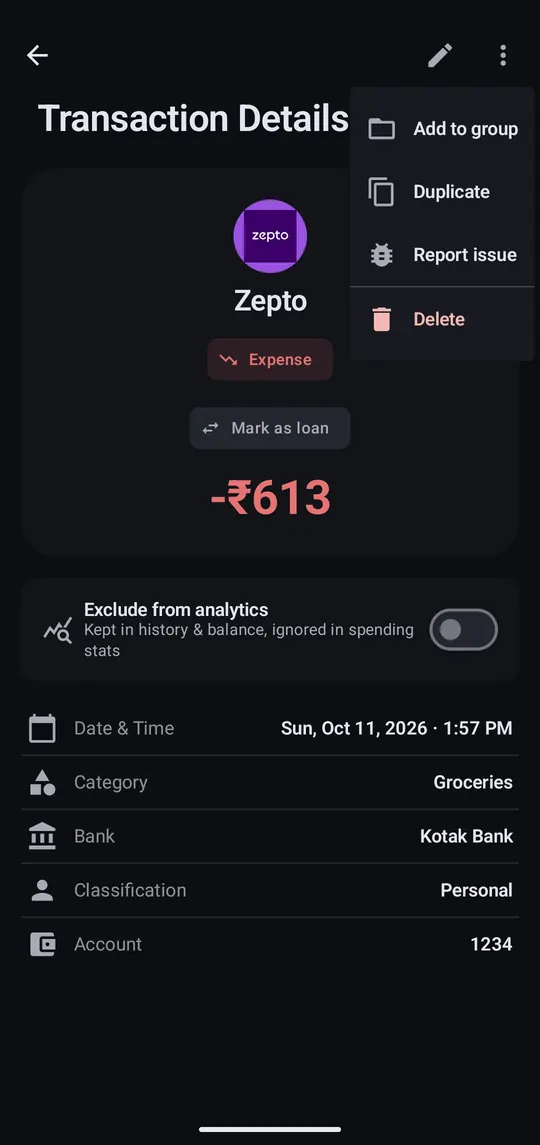
Step 1 of 4
Open it and tap the pencil to pick the right category.
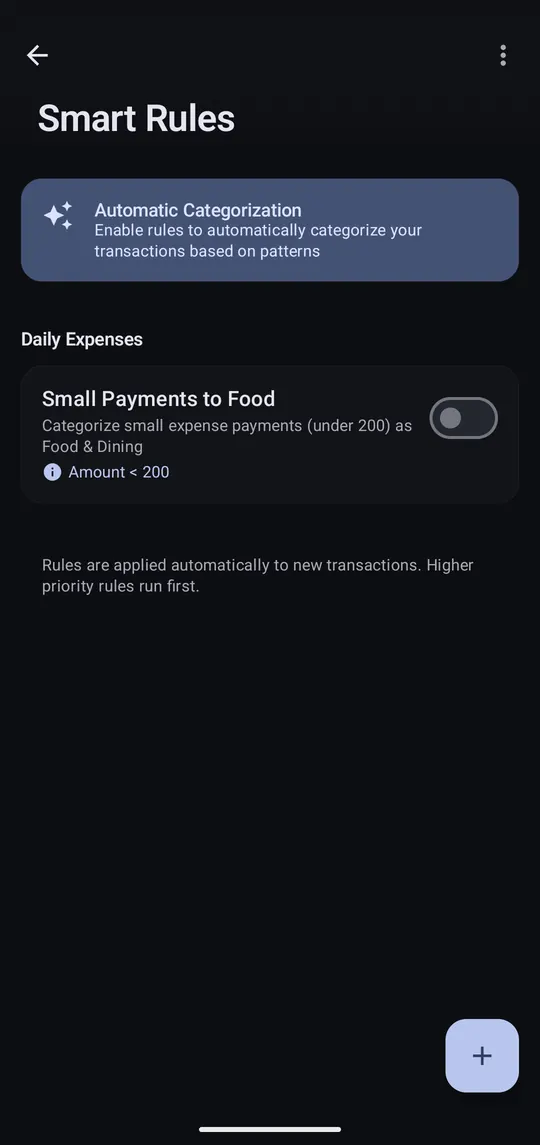
Step 2 of 4
Settings → Smart Rules, then tap + to make a rule.
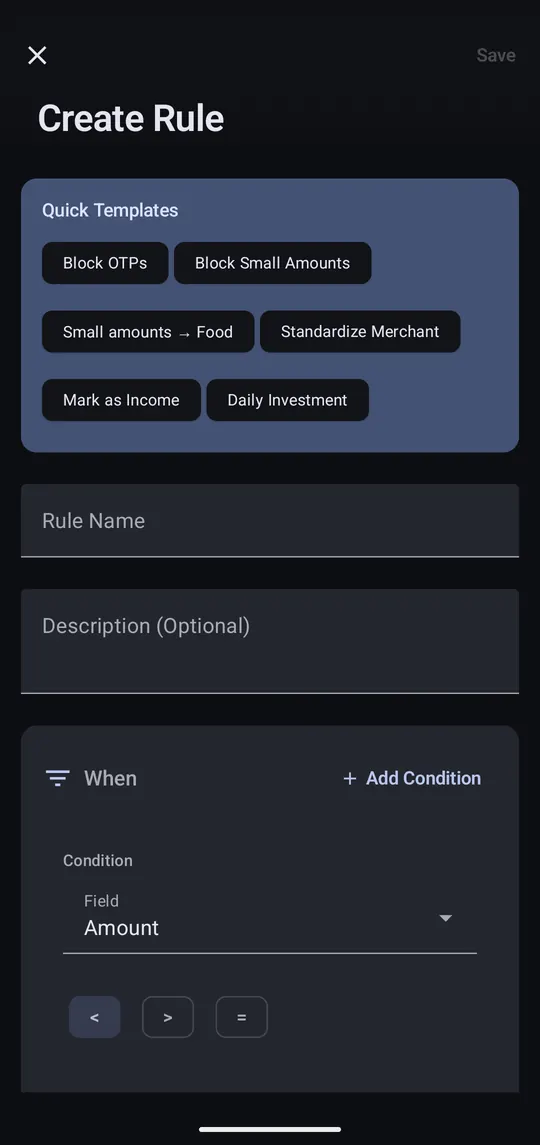
Step 3 of 4
Start from a template, or say “merchant contains UBER → Transportation”.
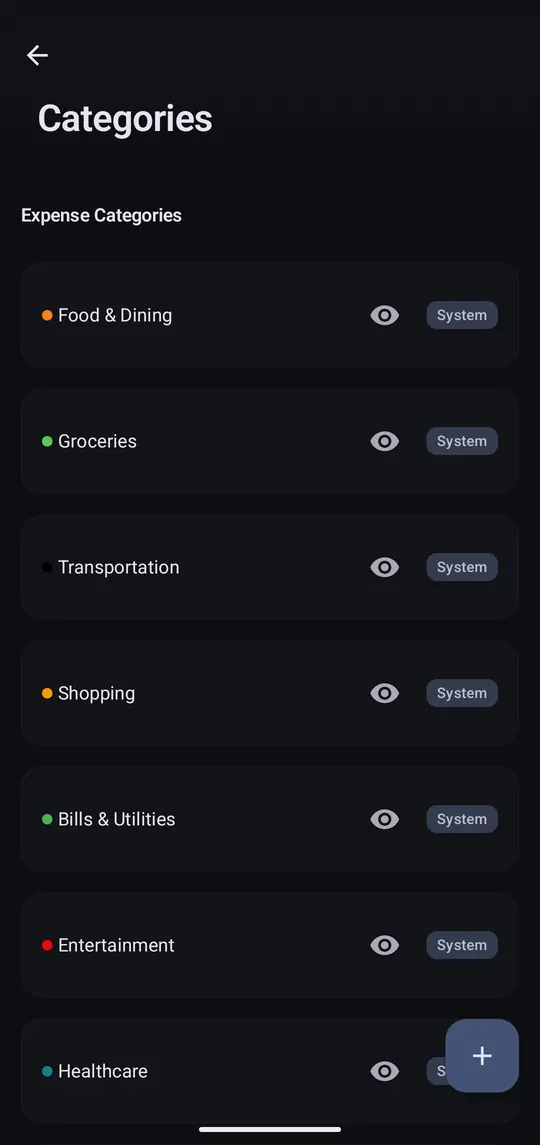
Step 4 of 4
Settings → Categories adds your own and hides ones you don't use.
Rules run on every new transaction, highest priority first. A rule's ⋮ menu applies it to past transactions too. Free accounts get three rules; Pro is unlimited.
