Fix a balance that's off, or add cash and wallets.
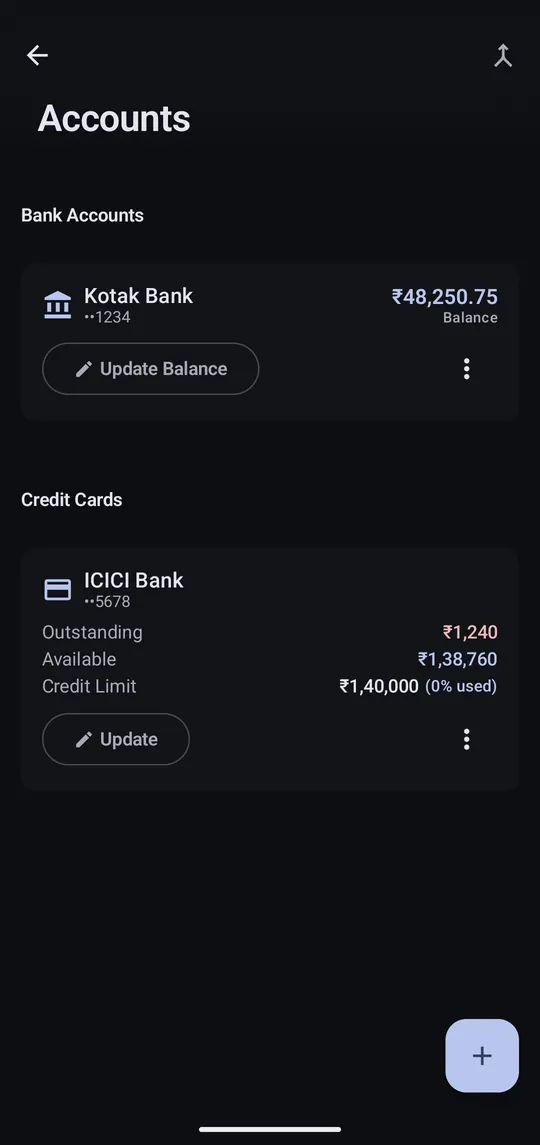
Step 1 of 3
Settings → Manage Accounts. Tap Update Balance if a balance is off.
Step 2 of 3
Tap + to add an account that doesn't send SMS, like cash in hand.
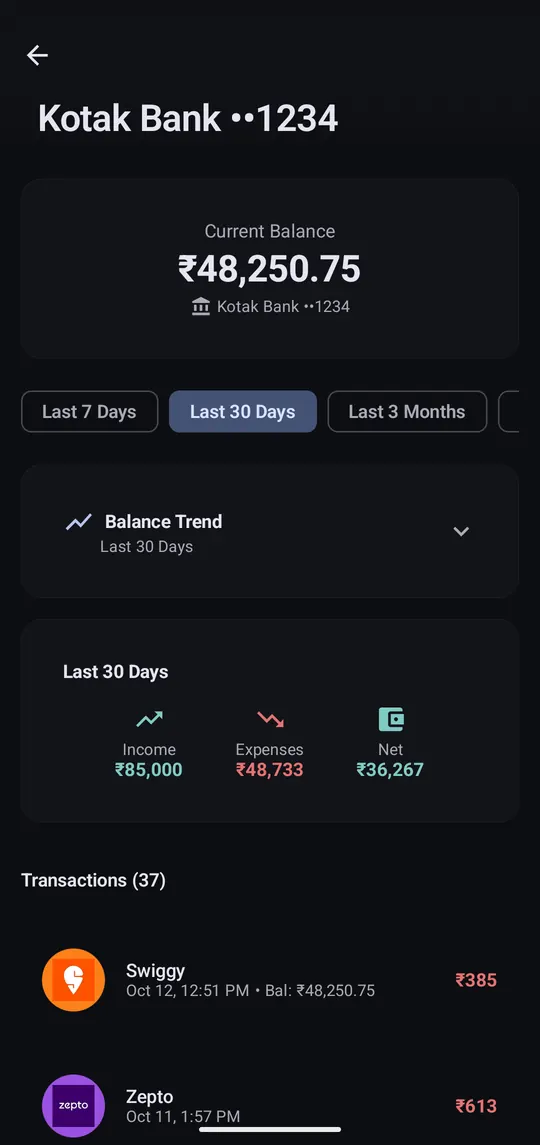
Step 3 of 3
Tap an account on Home to see its balance trend and transactions.
Accounts are created from your SMS, one per bank account or card. Balances update whenever a message includes one. Credit cards show their limit, outstanding and available amount.
Same card showing up twice under different numbers? Merge them from Manage Accounts (Pro).
