Get your transactions into Sheets or Excel as a CSV.
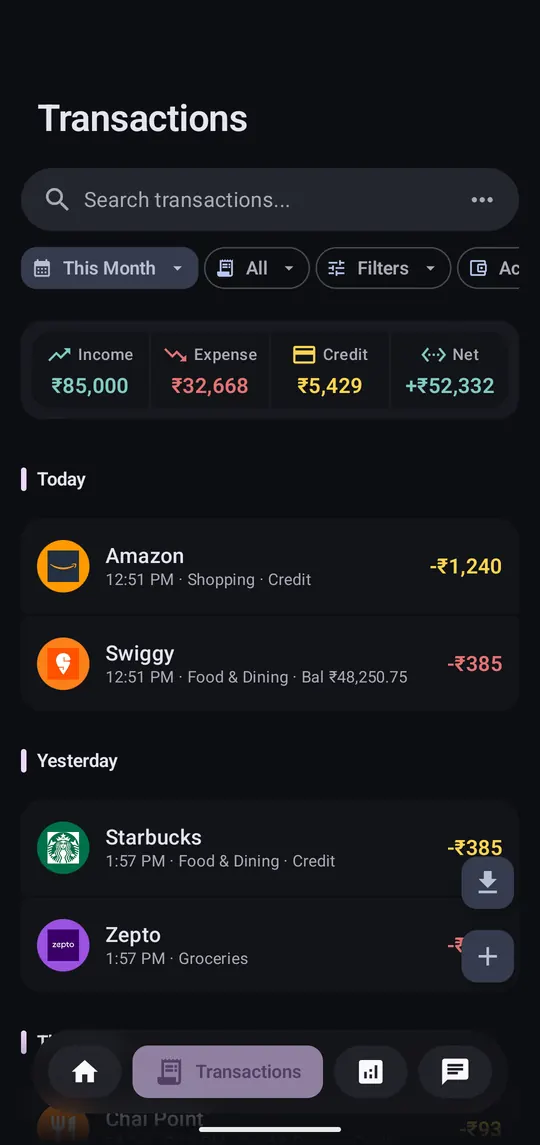
Step 1 of 2
On the Transactions tab, filter to what you want, then tap the download button.
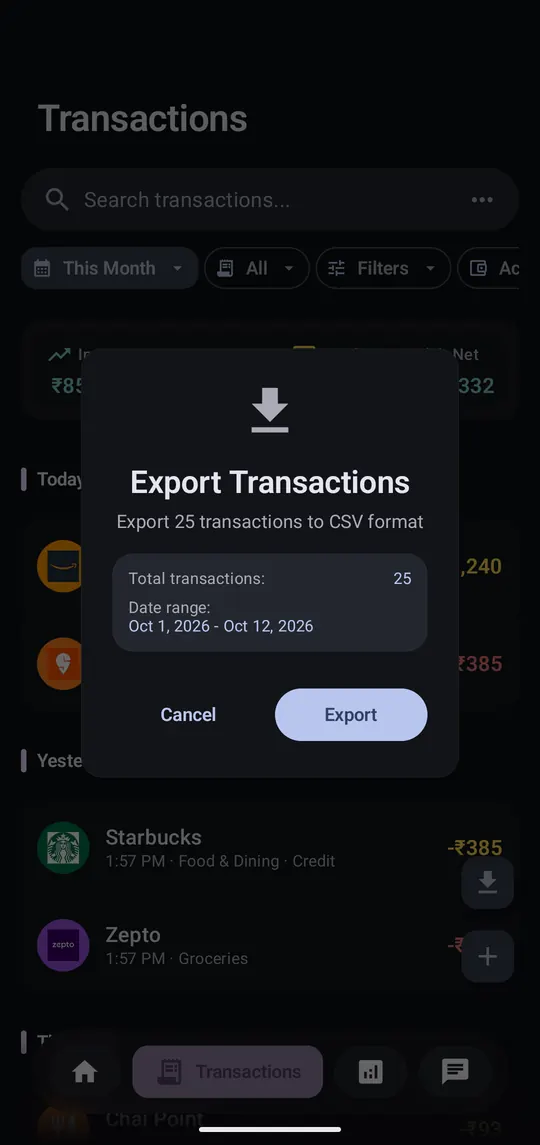
Step 2 of 2
Tap Export and share the file to Sheets, Excel or email.
Settings → Import Transactions (CSV) reads a PennyWise CSV back in, or any sheet with Date, Amount and Type columns. Free exports are capped at 100 rows a month.
