Give it SMS access and it builds your history from the bank messages already on your phone.
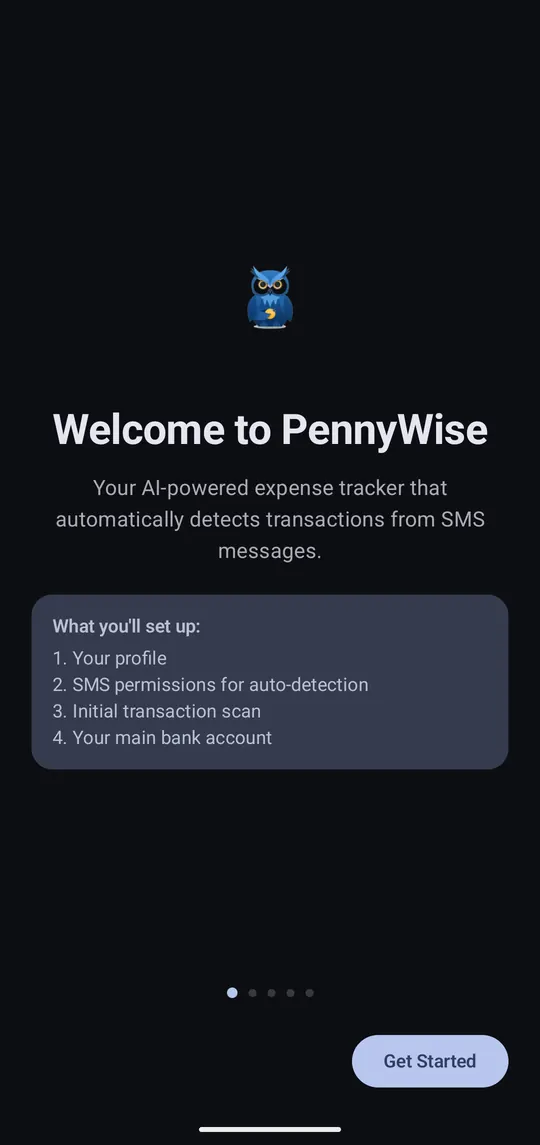
Step 1 of 5
Tap Get Started. Setup takes about a minute and has four steps.
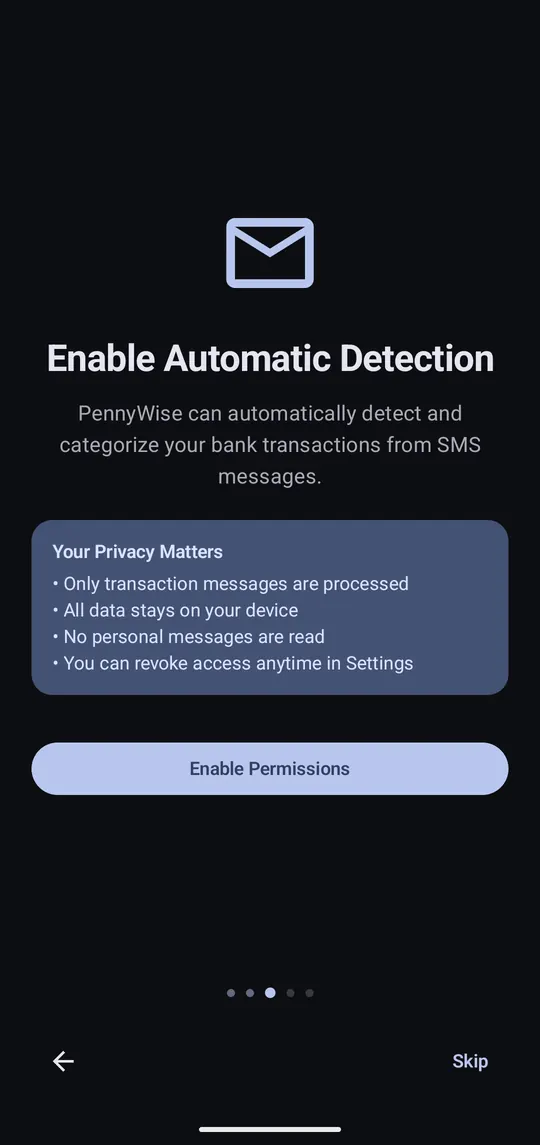
Step 2 of 5
Tap Enable Permissions, then Allow. Only bank messages are read; your chats are never touched.
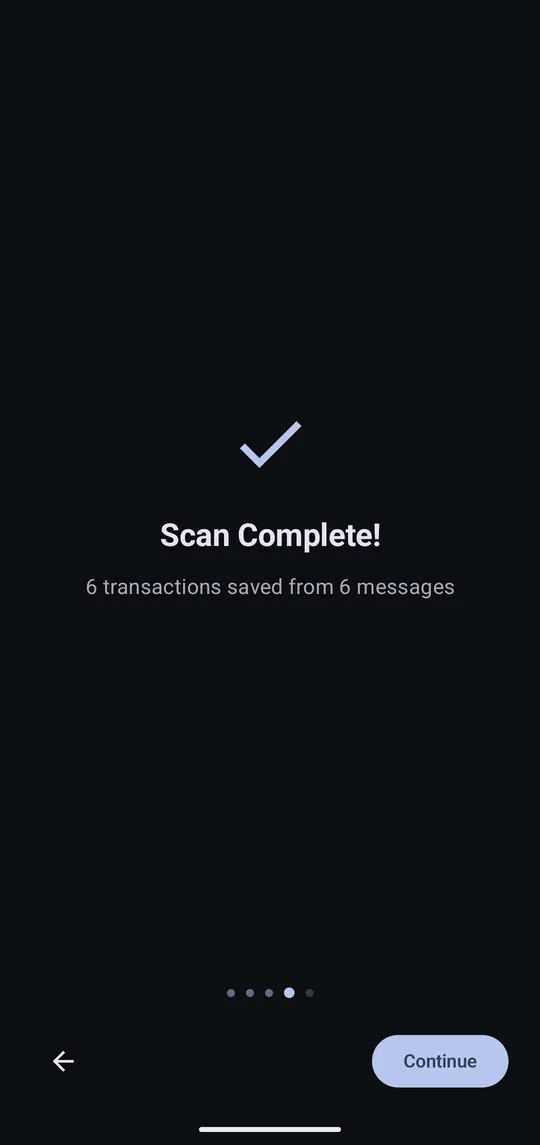
Step 3 of 5
PennyWise reads the bank SMS already on your phone and turns them into transactions.
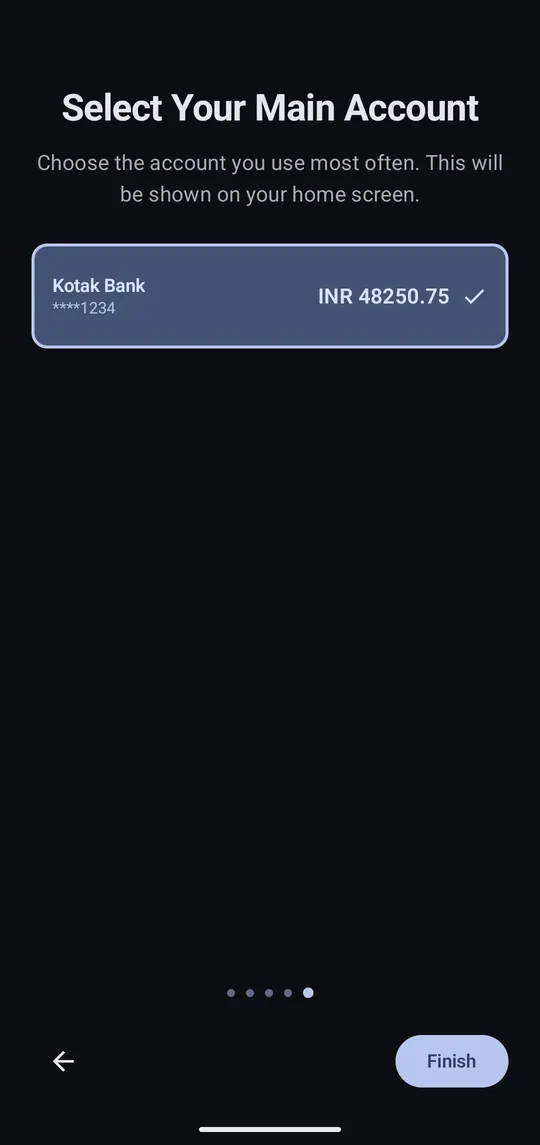
Step 4 of 5
This balance shows on Home. Tap Finish.

Step 5 of 5
New bank SMS are added automatically. Tap the sync button any time to check now.
PennyWise reads messages from 140+ banks and wallets across 20+ countries. Check yours on the supported banks list.
Skipped the SMS permission? Everything still works; you add transactions by hand instead.
