Make it yours

Theme, app lock, widgets and the rest of Settings.

  1. Appearance

    Appearance

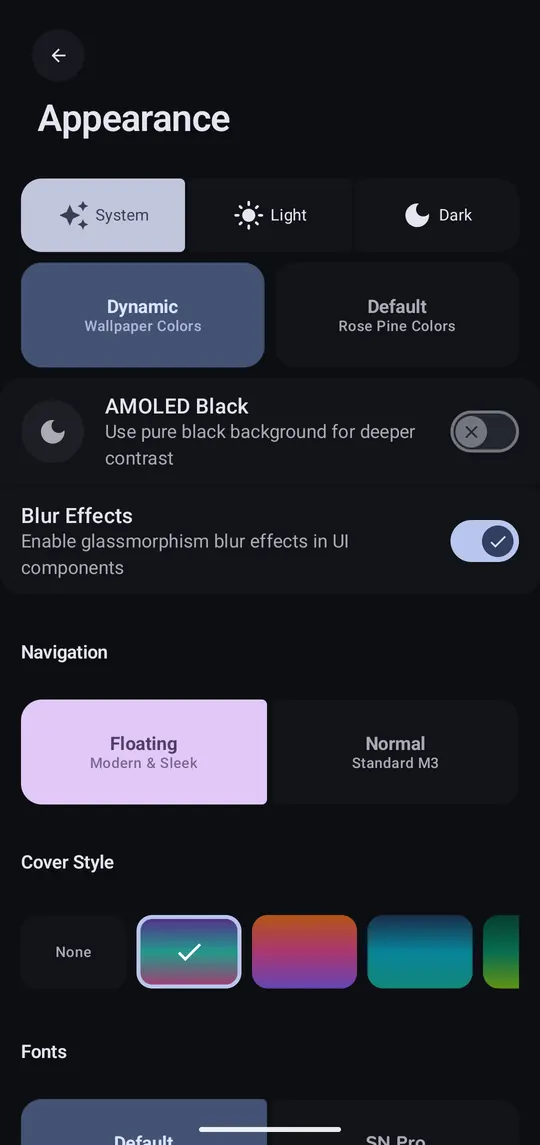
    Settings → Appearance: light, dark or system theme, Material You colours, AMOLED black, fonts.
Good to know

App Lock
Fingerprint or face unlock, with a lock timeout. Set up biometrics in Android first.
Widgets
Long-press your home screen → Widgets → PennyWise: Add Transaction, Budget Overview, Spending Pie, Recent Transactions.
Notifications
Each new transaction can notify you, with buttons to change its category right there.
Bank Notification Access
Also read bank app notifications, for banks that notify instead of texting.
Contacts
Show a contact's name instead of their UPI ID.
Language
The app is translated by the community.
Webhooks
Send selected transaction data to your own server (Pro).